SightTrade logoSightTrade

eToro Account Statement

DASHBOARD

Turn your eToro account statement into powerful trading insights.
Instantly analyze your eToro trading history and performance.

Free. No setup required.

https://sight-trade.com/dashboard

Account Summary (Demo)

01.01.202209.08.2026
Realized Equity

$7,519.73

Profits

$3,402.54

Deposits

$23,255.08

Withdrawals

$-19,001.13

Realized Equity
Year-end equity balance
Long/Short trades
Total number of long and short trades
Profit/Loss trades
Winning vs. losing trades
Deposits & Withdrawals by Year
Cash in and out by year
Open Positions
Open positions by asset type
Overnight Fees
Daily and weekend fees

How it works?

Powerful analytics in 3 steps

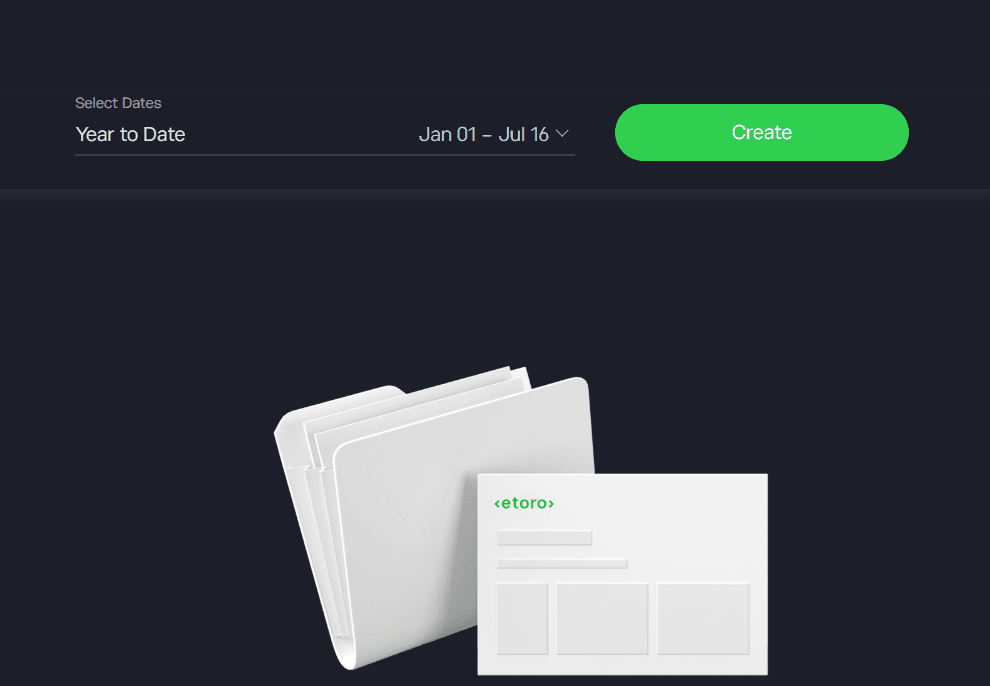
Download your eToro account statement

1. Download statement

Sign in to your eToro account and download your Account Statement as an XLSX file.
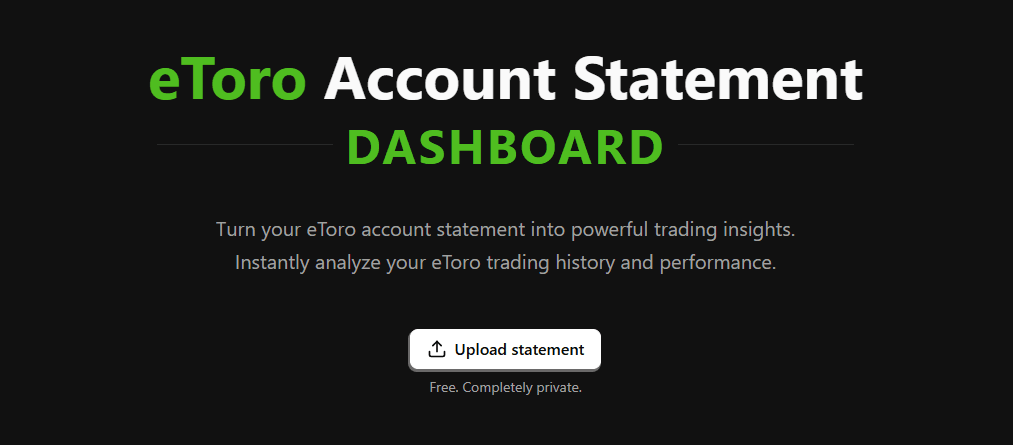
Upload your eToro account statement to SightTrade

2. Upload statement

Upload your statement and get instant trading insights and advanced performance metrics.
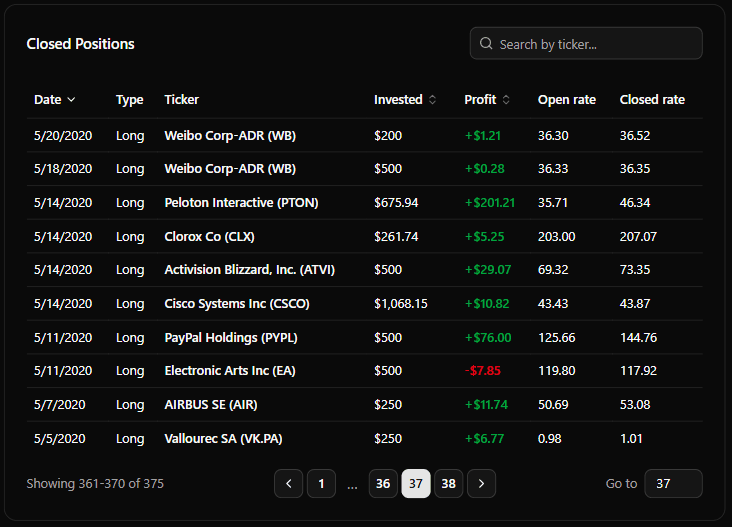
Full eToro trading history and analysis available in SightTrade

3. Analyze

Explore 30+ interactive charts and statistics covering your entire eToro trading journey.

Free. No setup required.

FEATURES

All-in-One Portfolio Dashboard

Customizable dashboard

Customize your dashboard to match your workflow. Select the charts that matter most and arrange them however you like.

PDF reports (Coming soon)

Generate professional PDF reports with your key trading metrics, charts, and performance insights.

Trading Profile (Coming soon)

Create a public trading profile and share your dashboard with anyone using a simple link.

Reviews

Loved by eToro Investors

I've been using eToro for over six years, but I never really had a clear picture of how my investments were performing. eToro shows some basic stats, but SightTrade gave me a complete view of my trading history. It was super easy to upload my statement, and within minutes I had insights I'd never seen before.

Chris W.

Chris W.

Private Investor

I used to track all my trades in Excel, but it was a pain to keep up with. Every now and then I'd forget to update it, so my records were never completely accurate. Since I started using SightTrade, I haven't touched my spreadsheet. I just upload my eToro statement and everything is there automatically.

Ryan C.

Ryan C.

Private Investor

I tried a few portfolio tracking apps before but they felt too generic and took too much effort to set up. Since SightTrade is designed specifically for eToro, it just works. Uploading my account statement takes a few seconds, and I get all the insights I need without having to enter anything manually.

Tom B.

Tom B.

Popular Investor

SightTrade FAQ

What is SightTrade?
SightTrade is a free, browser-based tool that turns your eToro account statement into an interactive dashboard. Upload your statement and instantly explore over 20 cards covering your trade history.
How do I get my eToro account statement?
In eToro, open the Portfolio, go to the History tab, and use the account statement export option to download your statement as an Excel (.xlsx) file. Then upload that file to SightTrade to see your overview.
Is my eToro data private?
Yes. SightTrade is browser-based and your account statement is processed entirely on your device — your trades and shares history never leave your browser or get uploaded to a server.
What can I see using SightTrade dashboard?
You can see detailed insights of your trading history, including closed positions, long and short term performance, yearly trends, per-ticker profit and loss, top and bottom trades, and much more.

Ready to analyze your trades?

Upload your eToro account statement and discover insights about your trading performance.